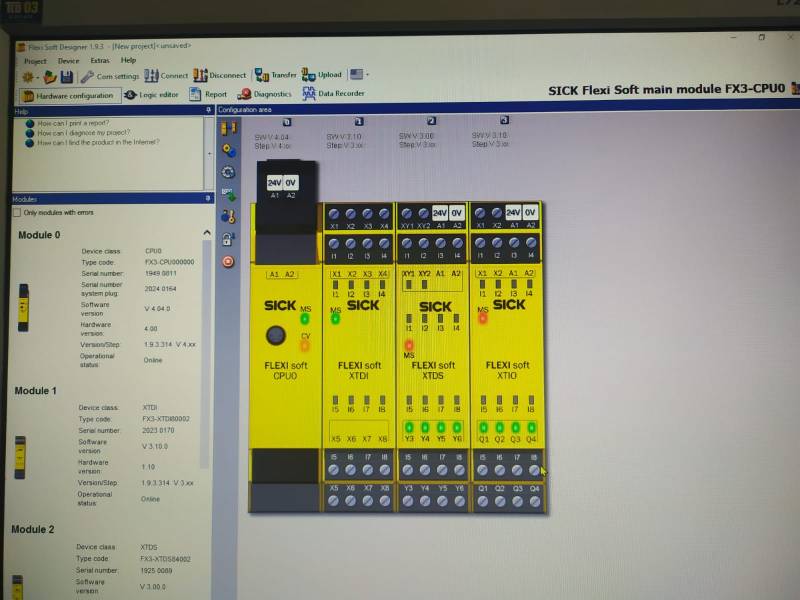
Table of Contents
Remote Connection with Sick Safety PLC (USB)

With the SMX-RNS02, you can remotely access Sick Safety PLCs, as well as all other devices, without any settings. The hardware used in this example is;
- Simplinx SMX-RNS02
- Sick Safety PLC (FX3-CPU0000)
- USB Cable
- 24V Power Supply
Installing the Hardware
For detailed information, please refer to the technical documents of the respective devices!
- Make the power connections correctly.
- SMX-RNS02: 24V DC
- Sick Safety PLC: 24V DC
- Connect SMX-RNS02 and Sick Safety to each other by using the USB Cable
- Provide internet to SMX-RNS02 device as you prefer
- Energize the power supply and PLC
Required Software
- SX-Client (www.simplinx.net)
- Flexi Soft Designer
Remote Connection
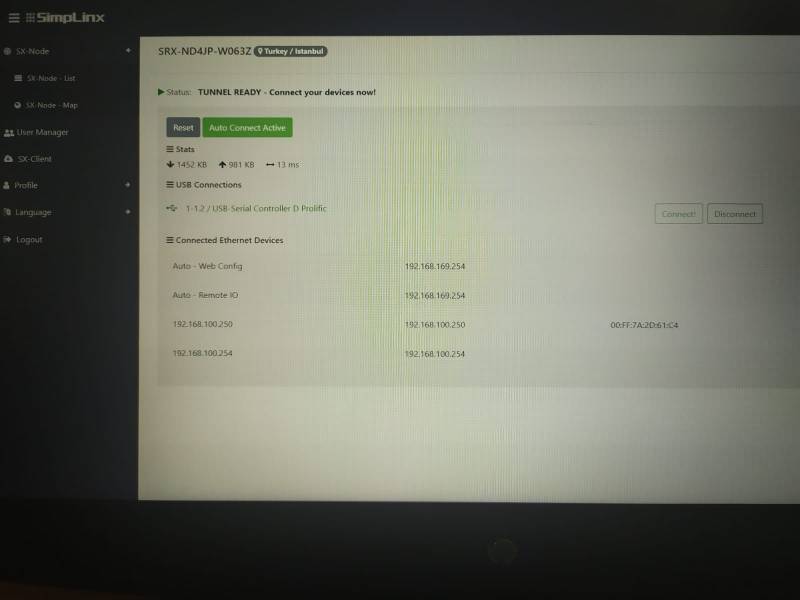
Establish a remote connection with your device. After the remote connection is established, the ethernet and USB devices connected to your device will be listed as shown in the photo below. Make sure that the Sick Safety PLC link is visible.
Open the Flexi Soft Designer program. Create a new project or open your existing project. In the “Hardware Configuration” section, select the connection type as COM. Test your connection.
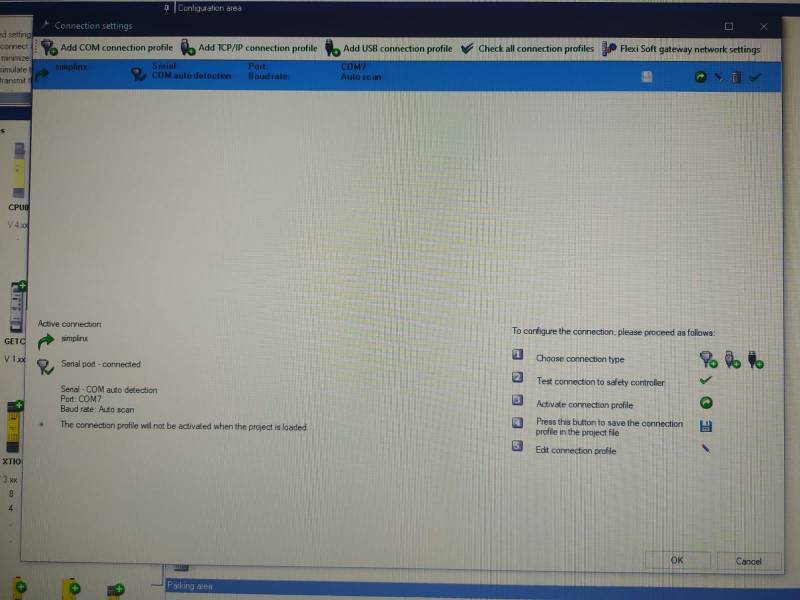
Test Online Function