Table of Contents
Remote Connection with Weintek Panel
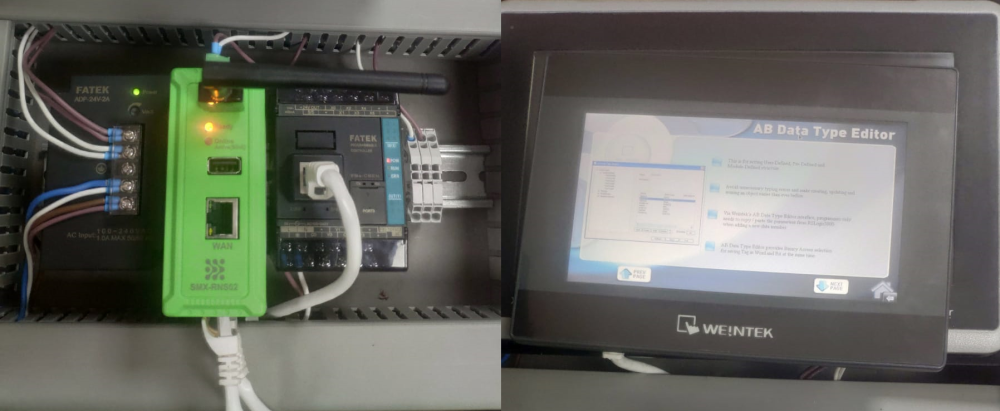
With the SMX-RNS02, you can remotely access Weintek Panel, as well as all other devices, without any settings. The hardware used in this example is;
- Simplinx SMX-RNS02
- Weintek Panel
- Ethernet Cable
- 24V Power Supply
Installing the Hardware
For detailed information, please refer to the technical documents of the respective devices!
- Make the power connections correctly.
- SMX-RNS02: 24V DC
- Weintek Panel: 24V DC
- Connect SMX-RNS02 and Weintek Panel to each other by using the Ethernet Cable
- Provide internet to SMX-RNS02 device as you prefer
- Energize the power supply and Panel
Required Software
- SX-Client (www.simplinx.net)
- EasyBuilder Pro
Remote Connection
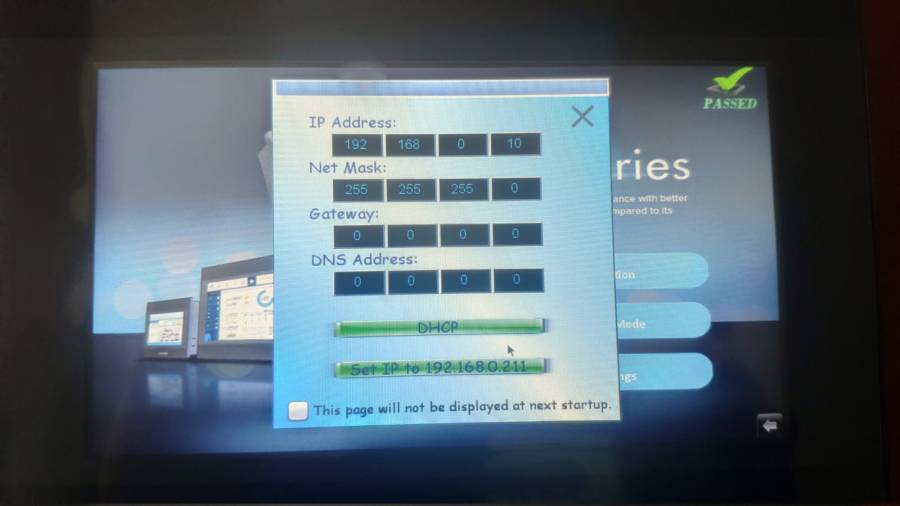
Open the settings page on Weintek panel and set the panel's IP address.
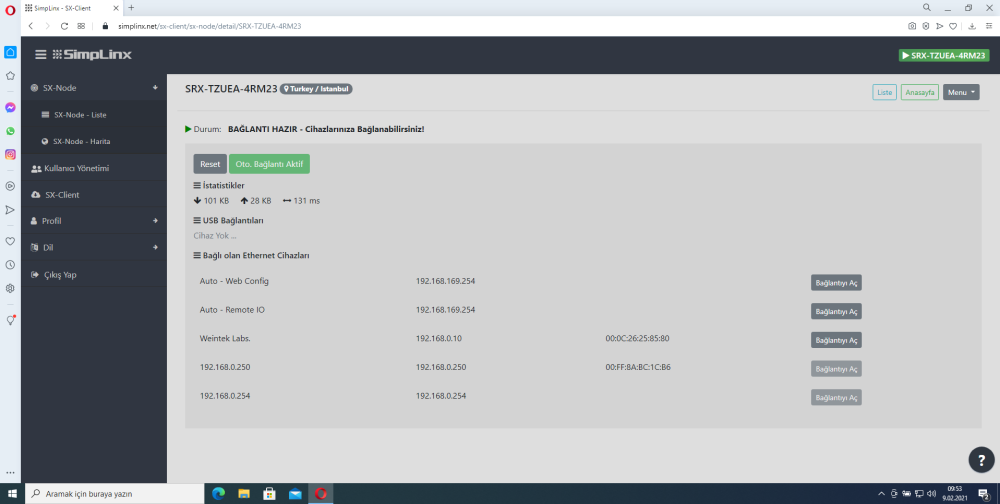
Establish a remote connection with your device. After the remote connection is established, the Ethernet and USB devices connected to your device will be listed as shown in the photo below. Make sure that the Weintek panel link is visible.
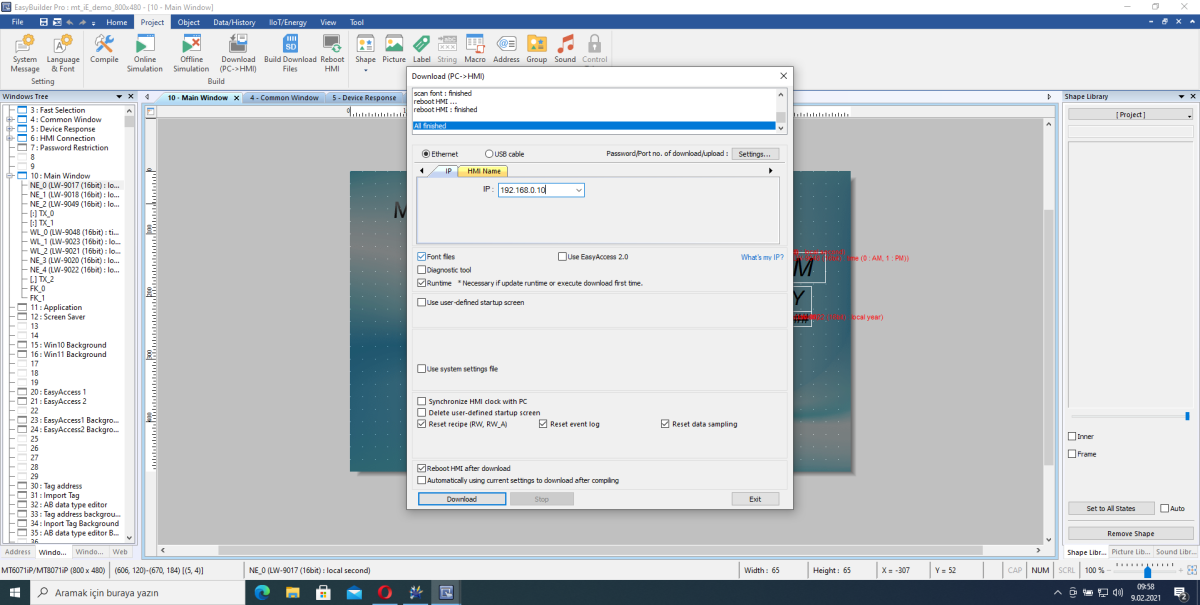
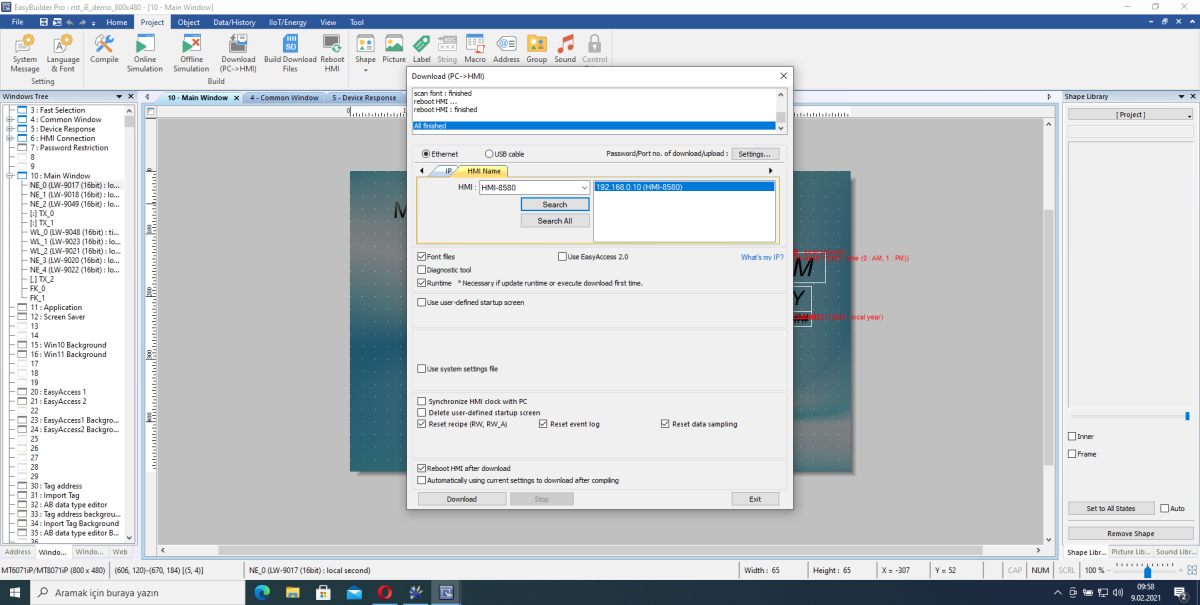
Open the EasyBuilder Pro program. Create a new project or open your existing project. Upload your project to the panel by manually typing IP in the project upload window or scanning from the Search field.