
SX-IO — OPC UA Data Collection
Overview
Section titled “Overview”OPC UA (IEC 62541) is the modern standard for industrial interoperability. SX-IO can act as an OPC UA Client, connecting to any OPC UA server on the LAN (e.g., Siemens S7-1500, B&R controllers, COPA-DATA Zenon, or a Windows OPC UA server) and subscribing to node values at configurable intervals.
OPC UA Server Requirements
Section titled “OPC UA Server Requirements”- The OPC UA server must be accessible from the SMX-RNS20’s LAN IP.
- Anonymous access or username/password credentials must be configured on the server (certificate-based auth is not currently supported).
- Note the server’s endpoint URL, e.g.,
opc.tcp://192.168.1.10:4840. - For Siemens S7-1500: ensure OPC UA is enabled in TIA Portal (PLC Properties → OPC UA → Activate OPC UA Server).
SX-IO Configuration
Section titled “SX-IO Configuration”- Log in to the SMX-RNS20 web interface → SX-IO → Sources → Add Source → OPC UA.
- Enter the OPC UA server endpoint URL and authentication credentials (or leave blank for anonymous).
- Click Browse Nodes (or manually enter Node IDs). Select the nodes you want to collect.
- SX-IO supports both Polled (read at interval) and Subscribed (server-push, lower latency) modes.
- Set the publishing interval in milliseconds.
- Configure an output (Dashboard, MQTT, SQL) and save.
Screenshots — Driver & Tag Setup
Section titled “Screenshots — Driver & Tag Setup” Step 1 — Modules → Driver
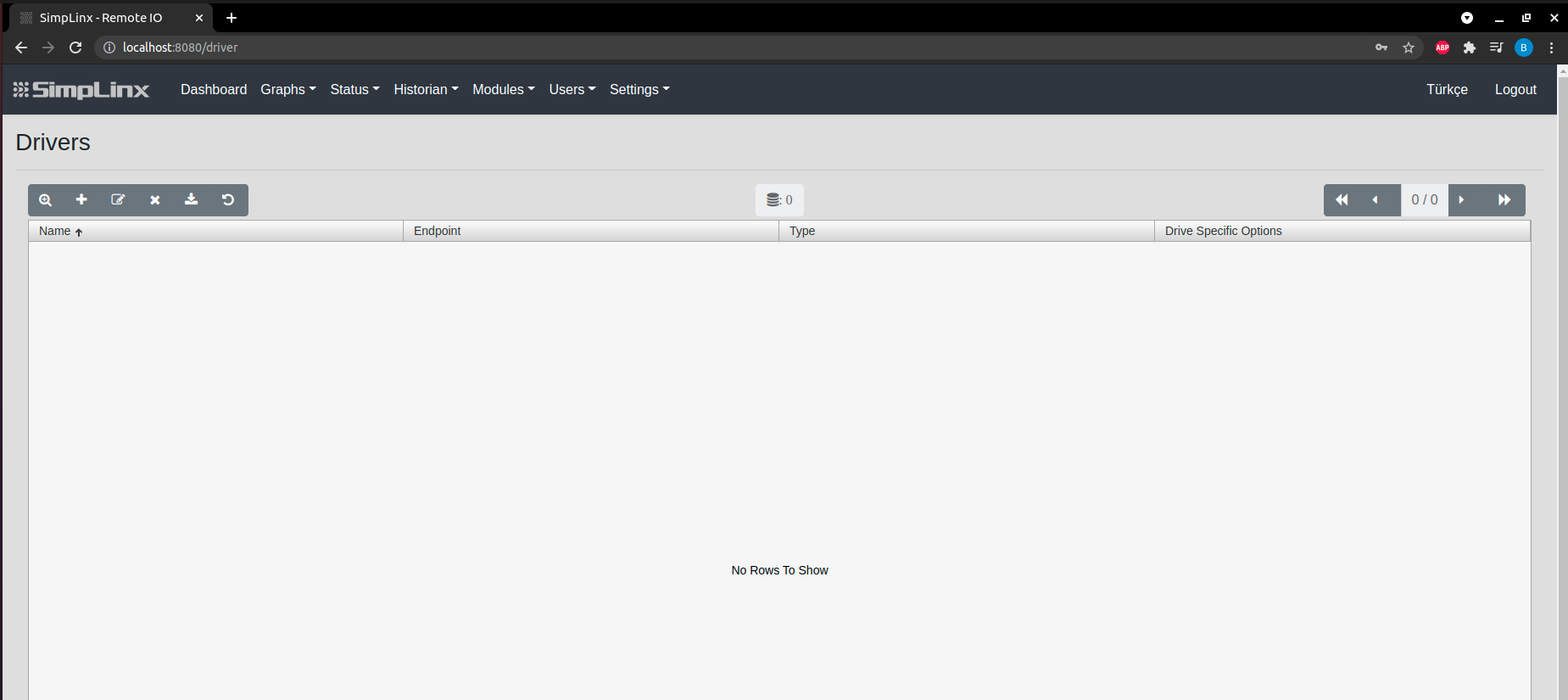 Step 2 — Add new driver
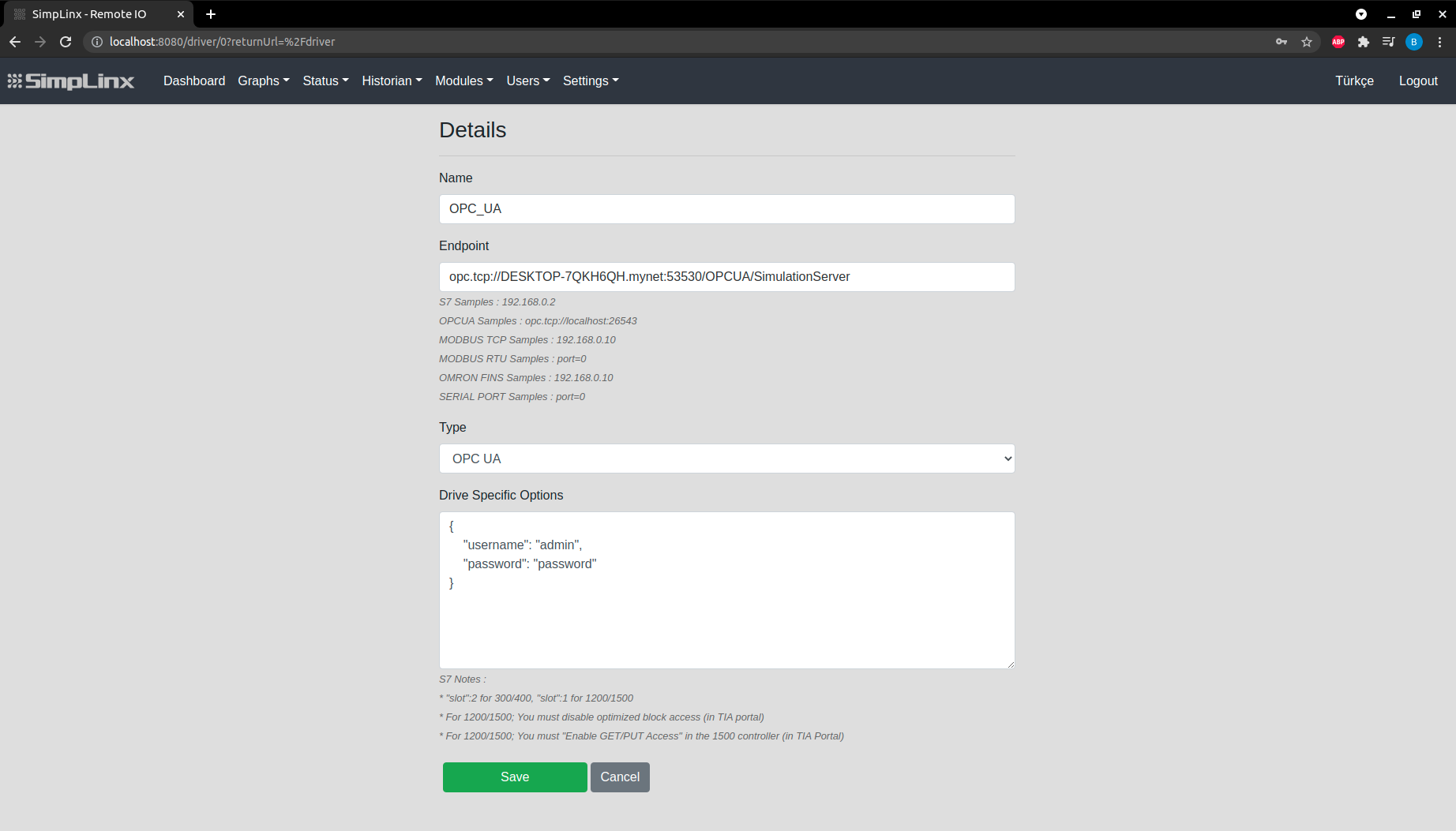 Step 3 — Driver settings: Name and OPC UA endpoint URL
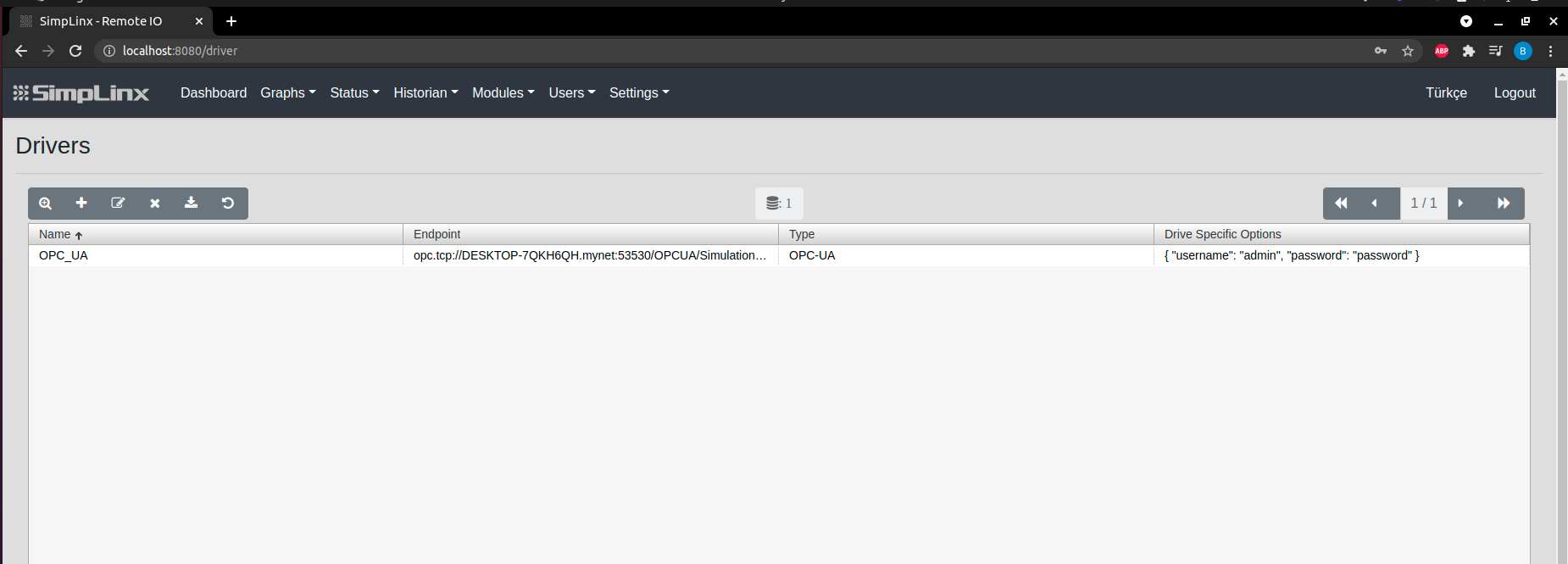 Step 3 (continued) — username/password credentials (or leave blank for anonymous)
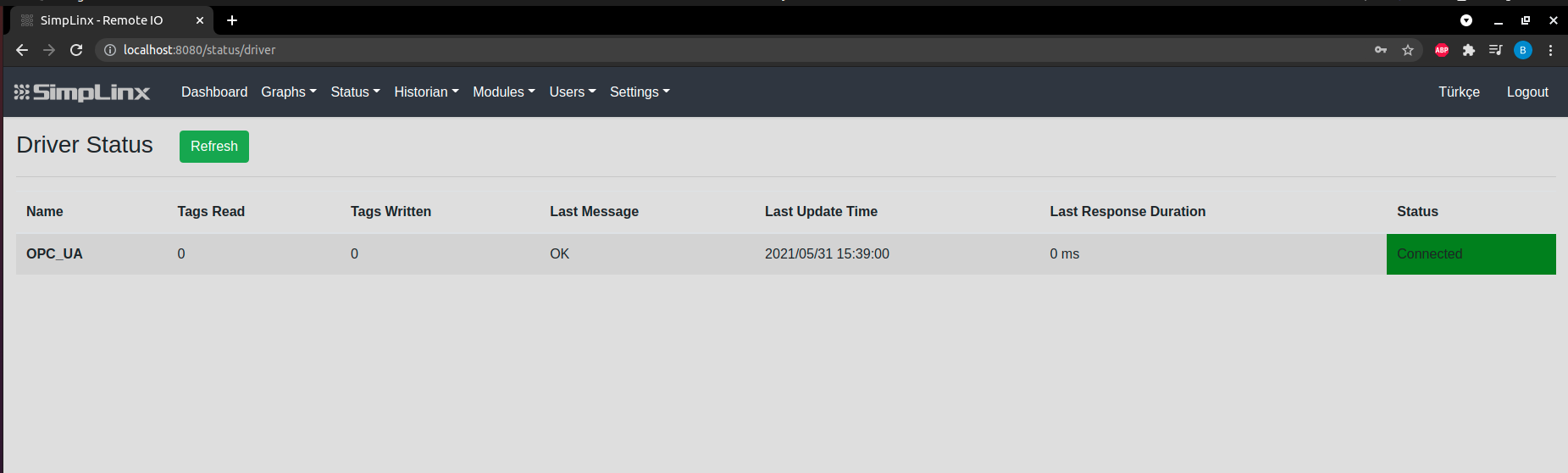 Step 4 — Status → Driver: green indicator confirms OPC UA connection
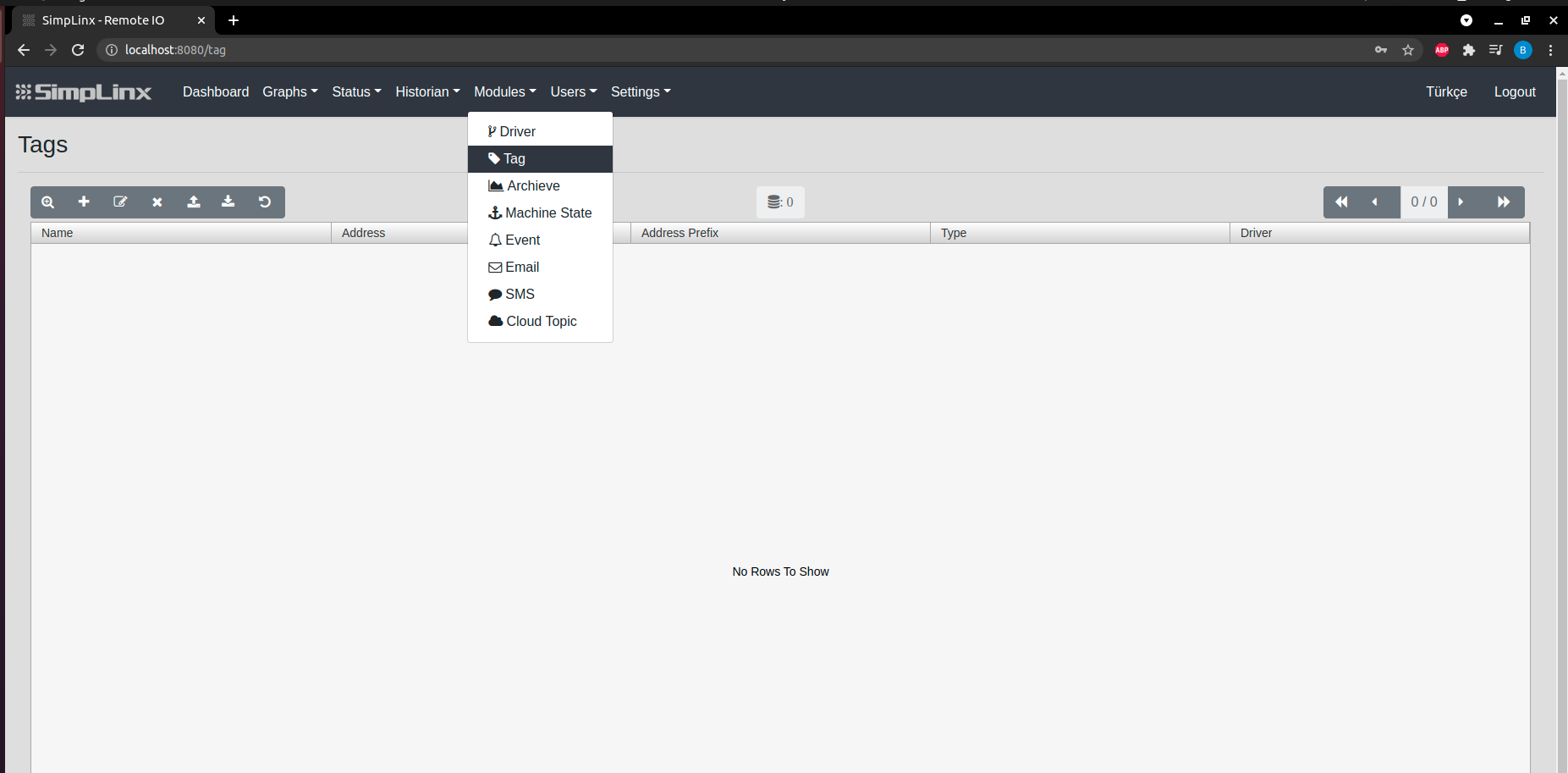 Step 5 — Modules → Tag: add new tag
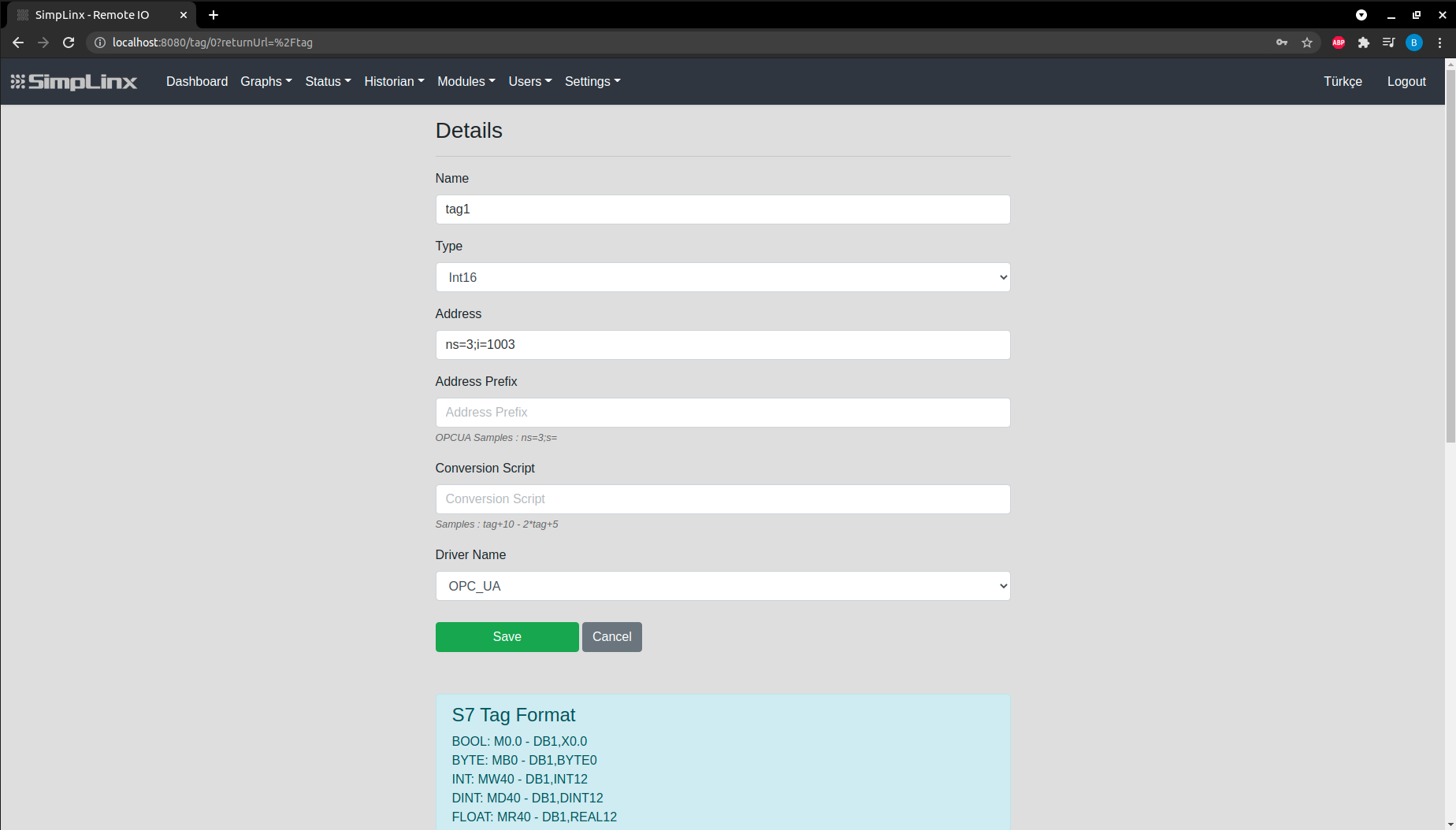 Step 6 — Tag configuration: Name, Type, Node ID address
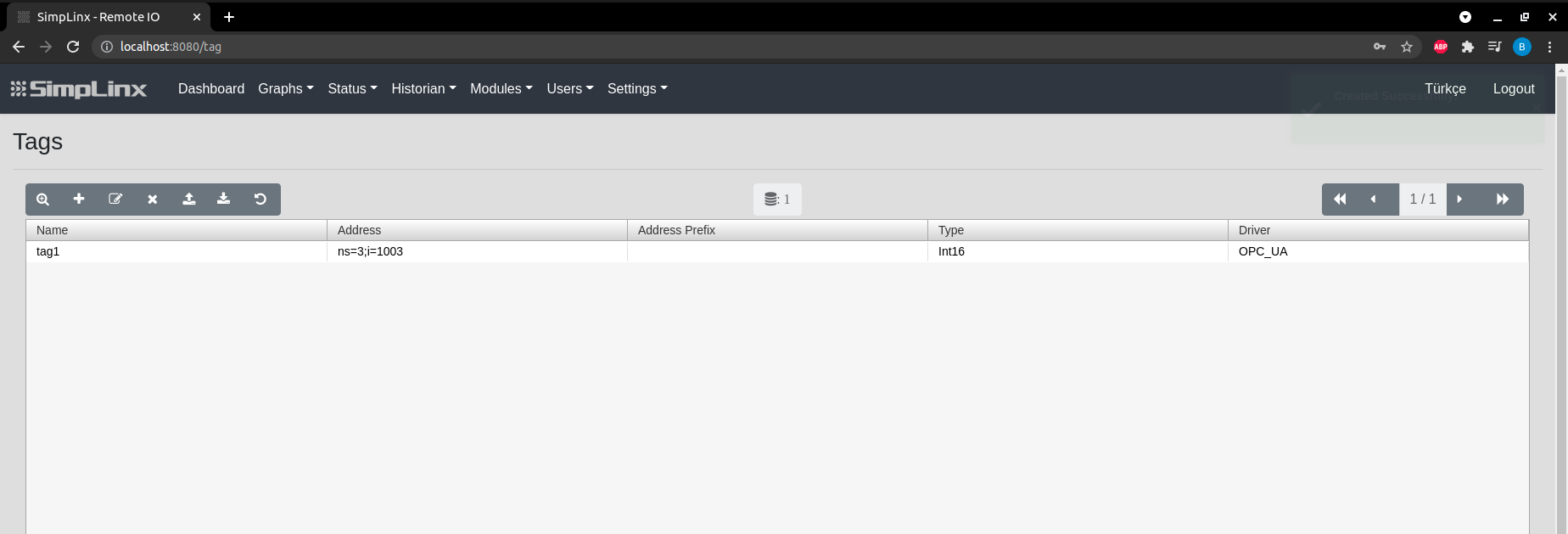 Step 6 (continued) — save tag
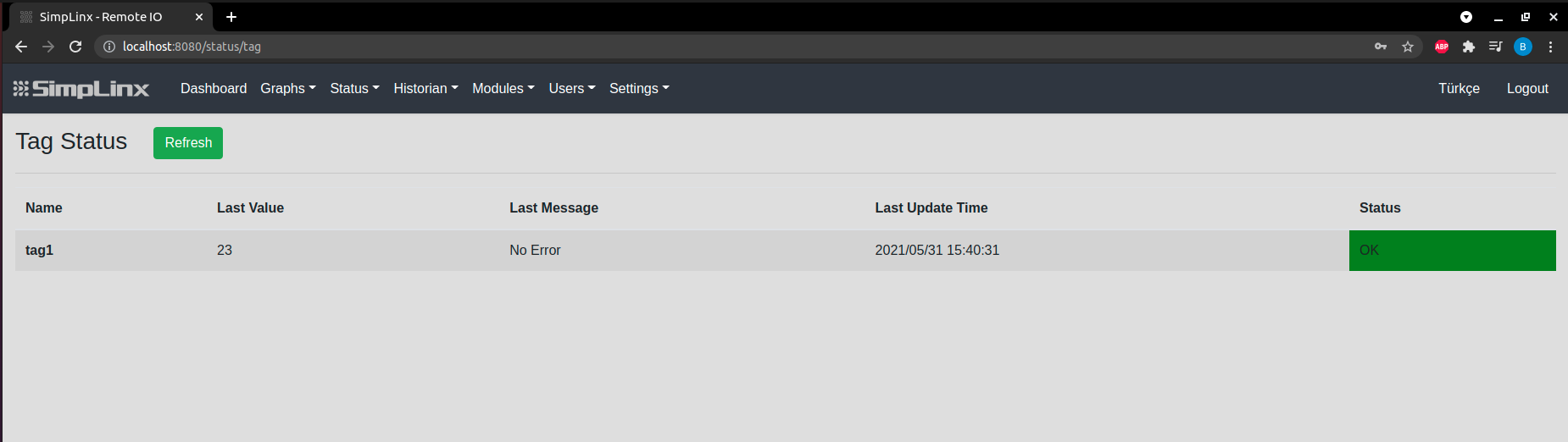 Step 7 — Status → Tag: live OPC UA node value with OK status
 Troubleshooting — OPC Foundation free client tool for verifying OPC UA server
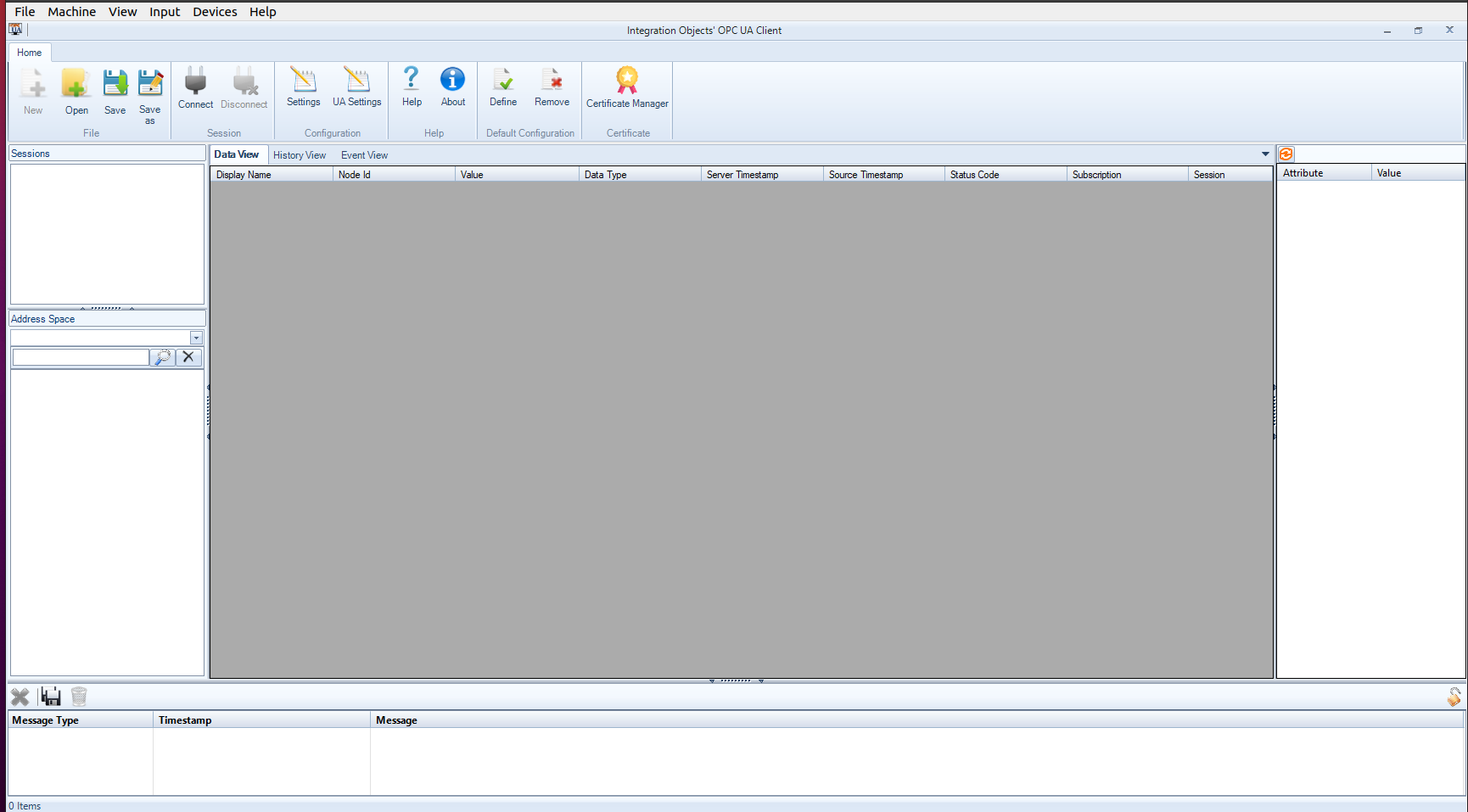 Troubleshooting — browsing available OPC UA nodes
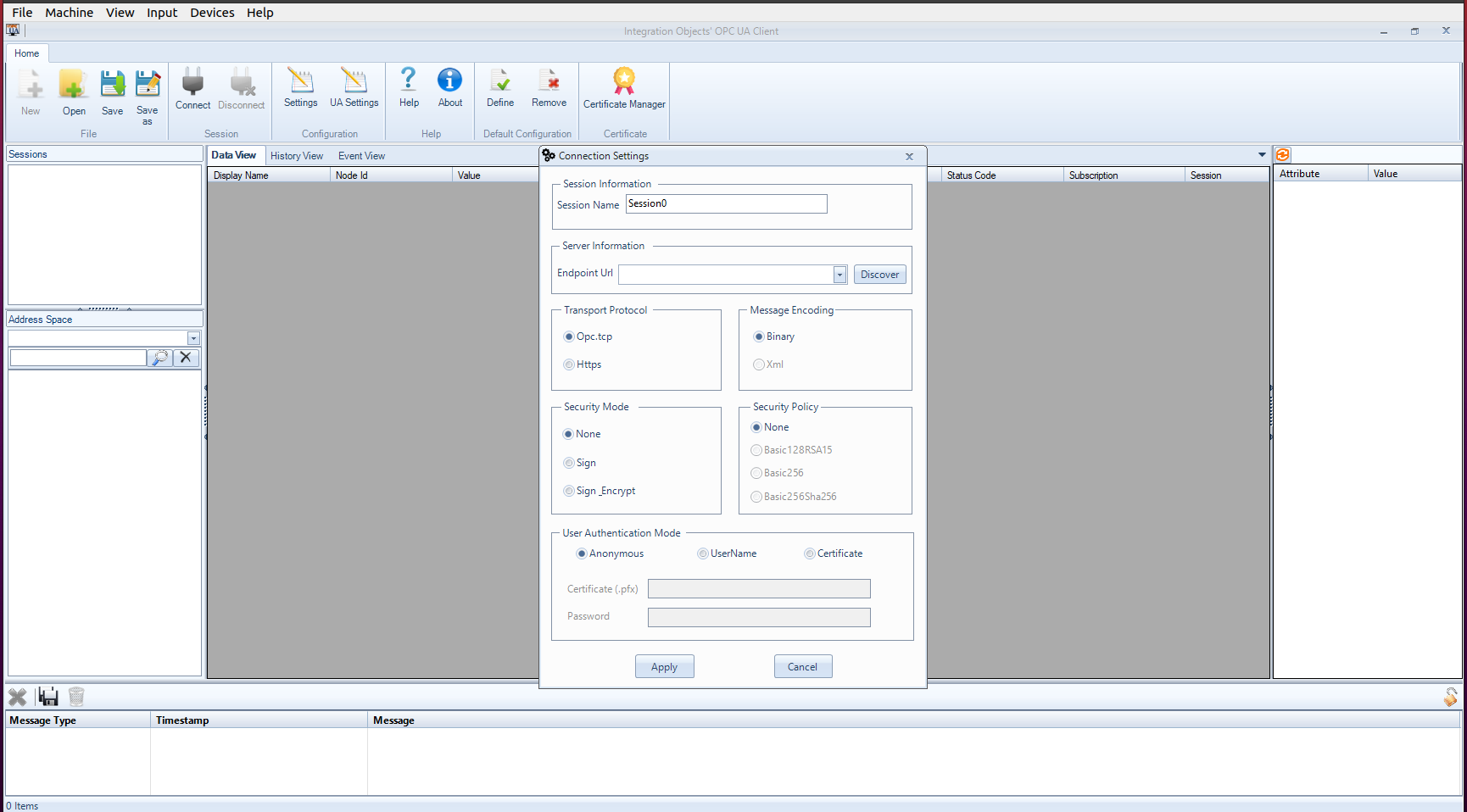 Troubleshooting — reading node values to verify address format
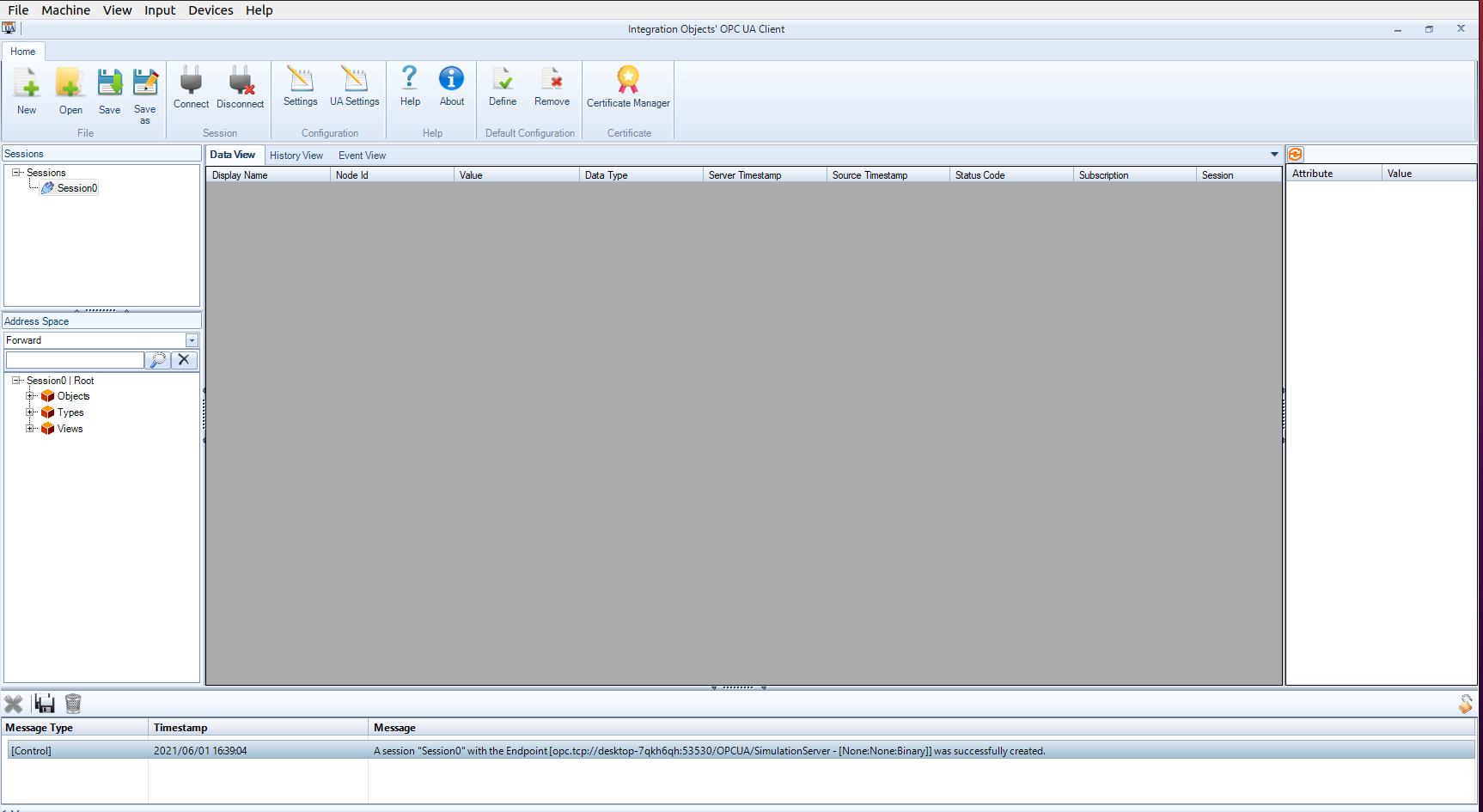 Troubleshooting — confirmed OPC UA connection in client tool